← Lab Products

SSHPanel

Server Operation Panel

Stop typing long commands on your mobile keyboard. SSHPanel organizes server operations into two axes: "Reference" and "Execution," transforming your iPhone into a dedicated control interface. Call predefined routines instantly to manage your infrastructure smarter and faster.

Download on App Store
SSHPanel

Features for Efficient Management

Panelized "Reference" & "Execution"

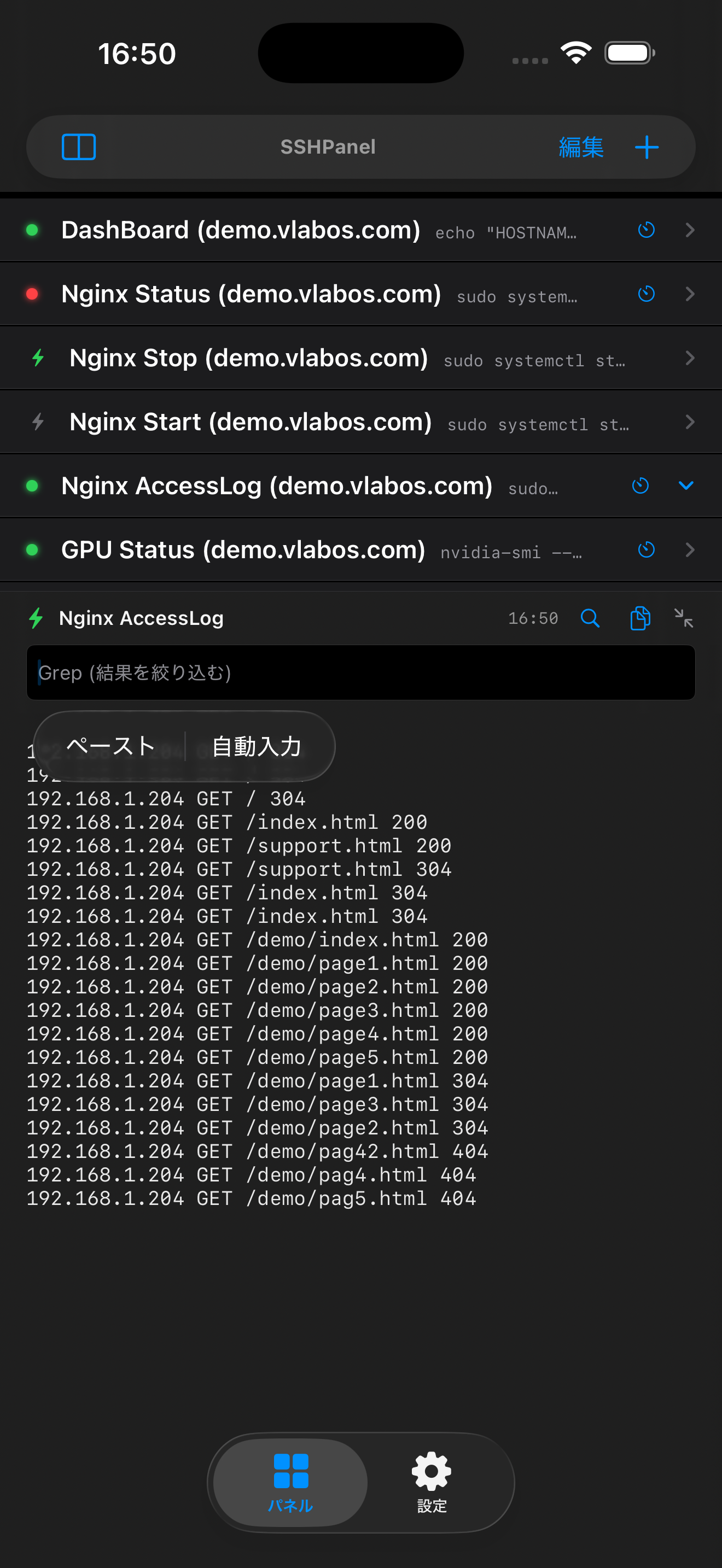
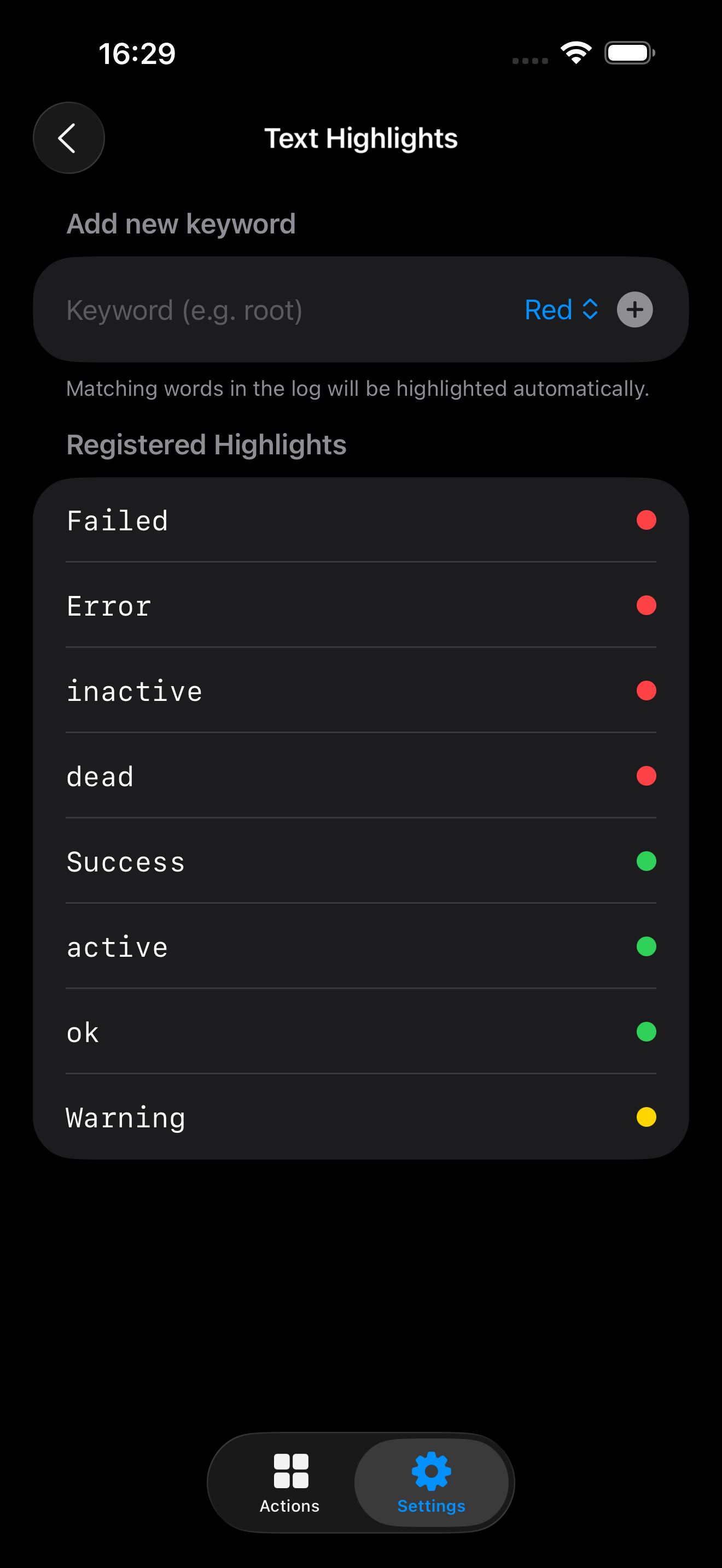
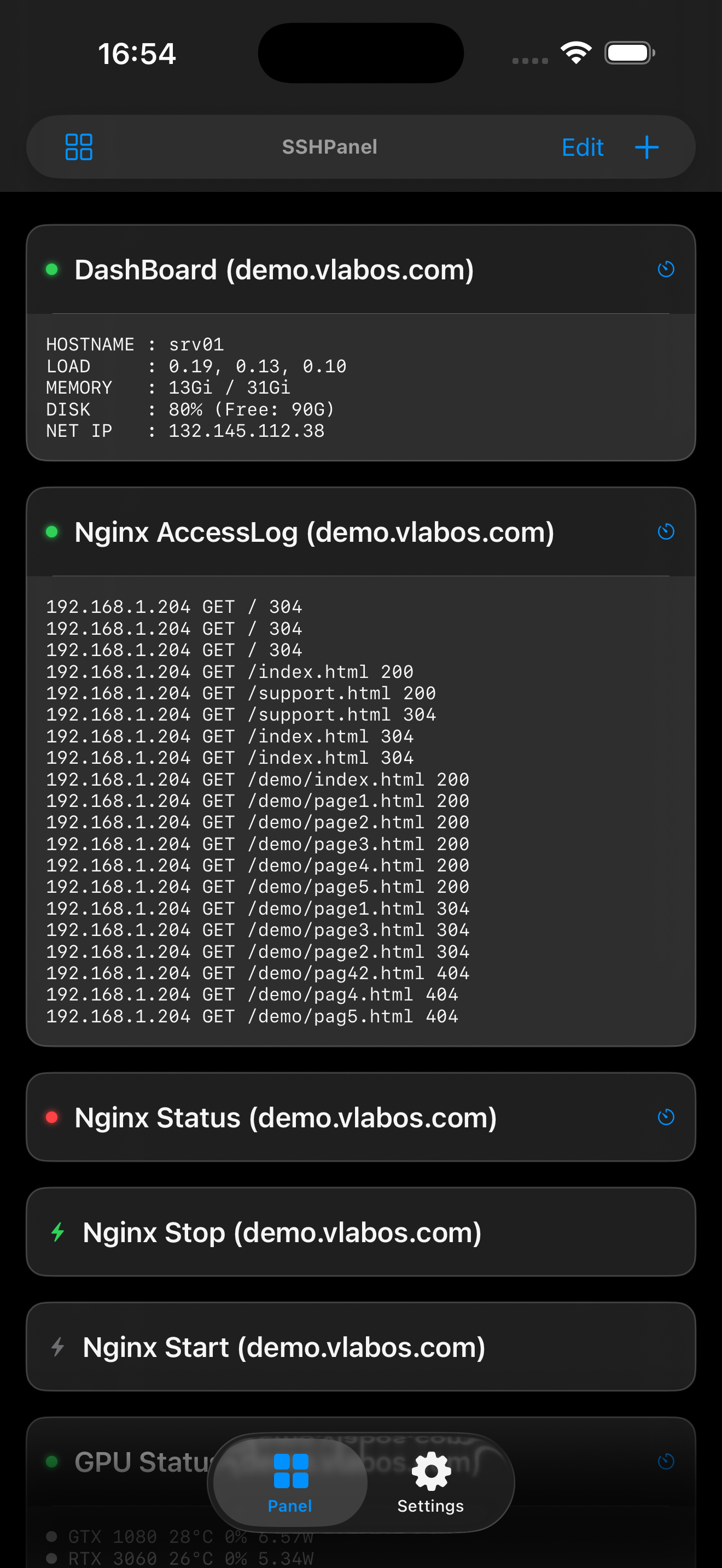
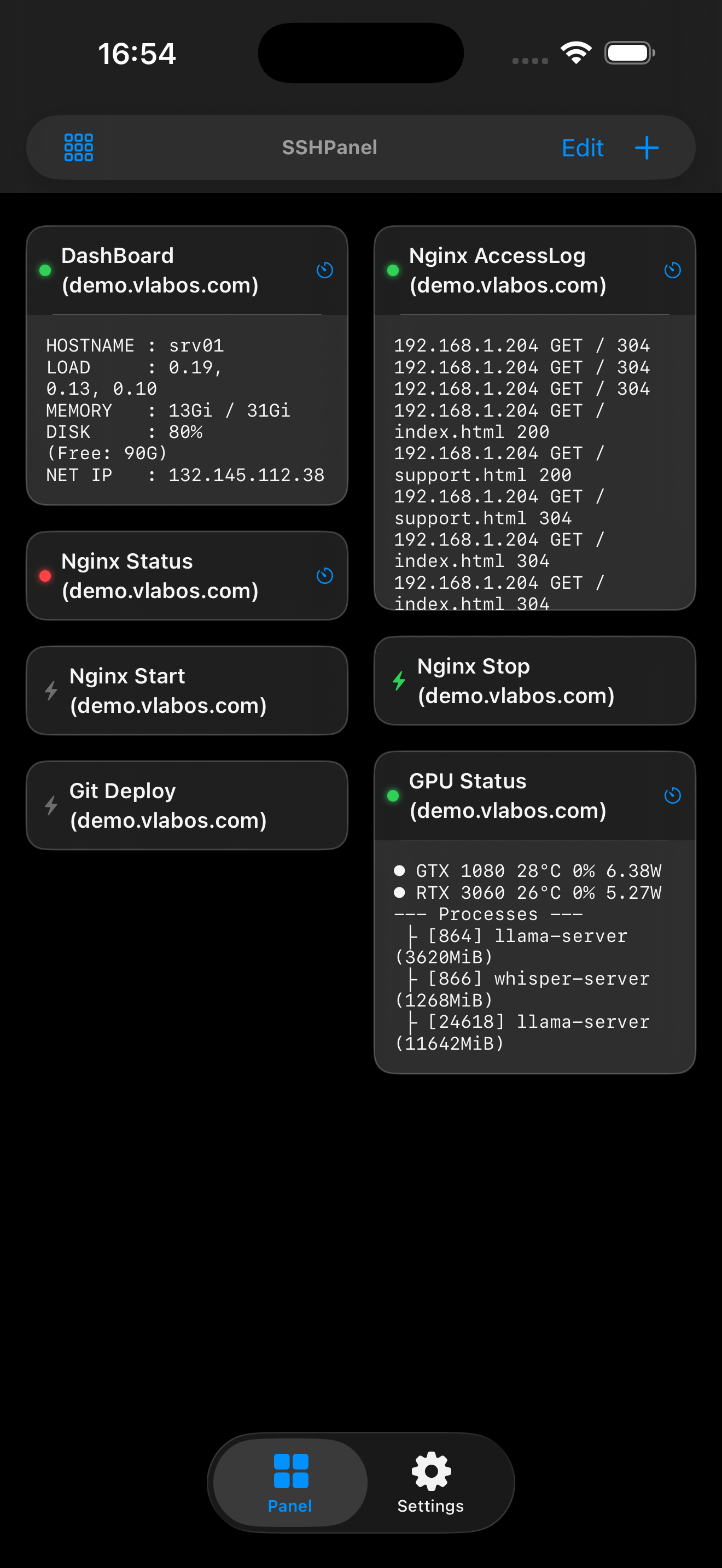
Convert log outputs from commands like 'cat' or 'tail' into easy-to-read panels. With built-in keyword search (Grep), you can instantly filter through massive amounts of server text data to find exactly what you need.

One-Tap Command Execution

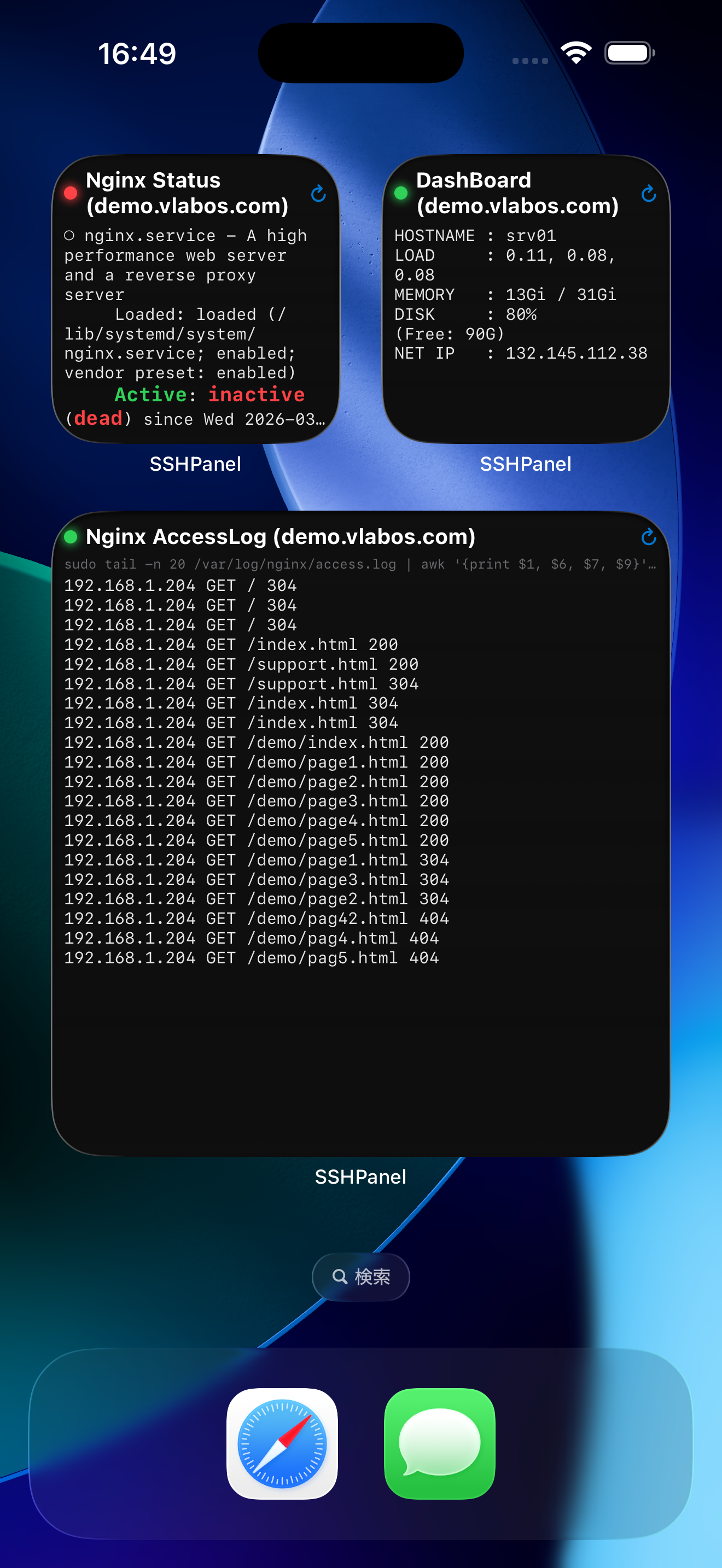
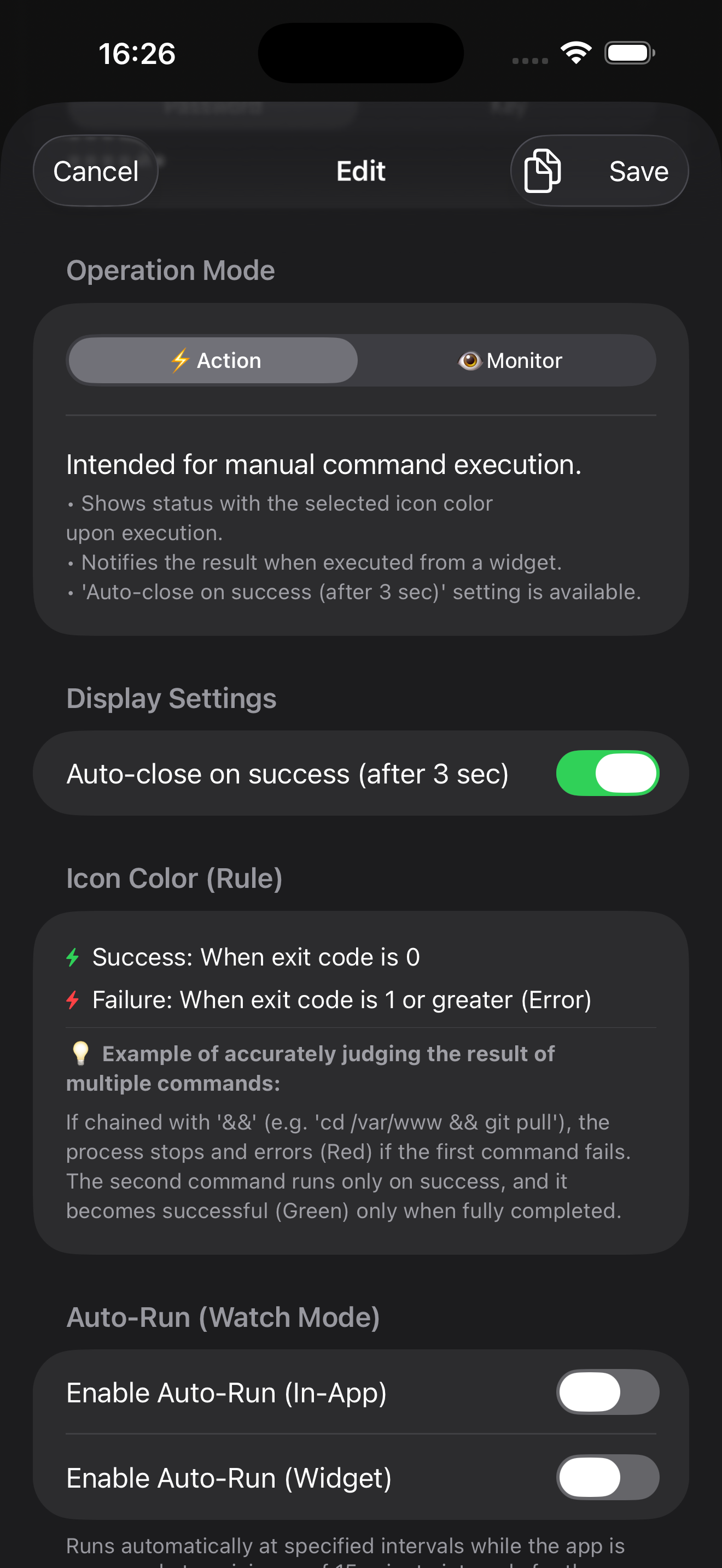
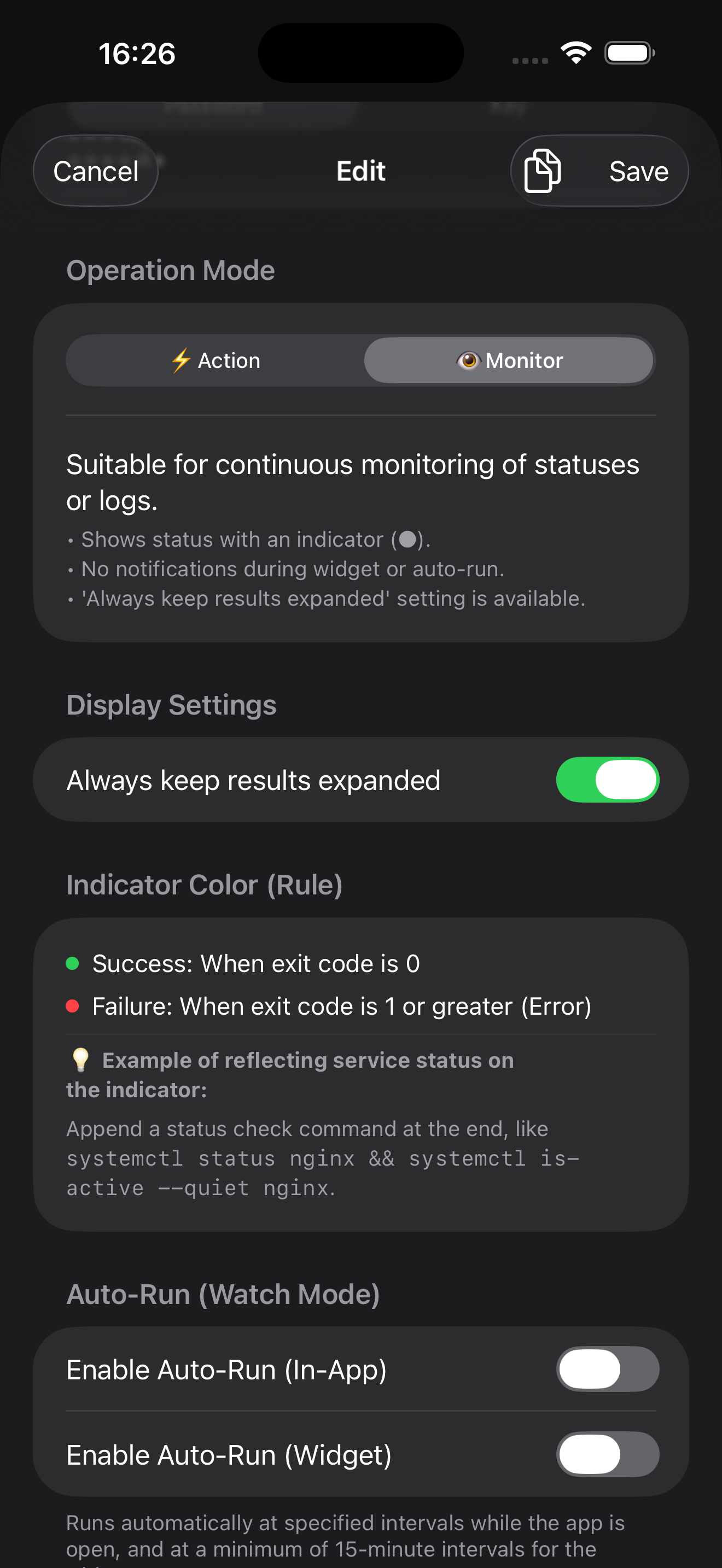
Buttons for frequent tasks like restarting services (systemctl) or triggering deployment scripts. Integrated status lamps (Green for Success, Red for Failure) notify you of results based on exit codes for immediate visual feedback.

Automated SSH Jump Host Support

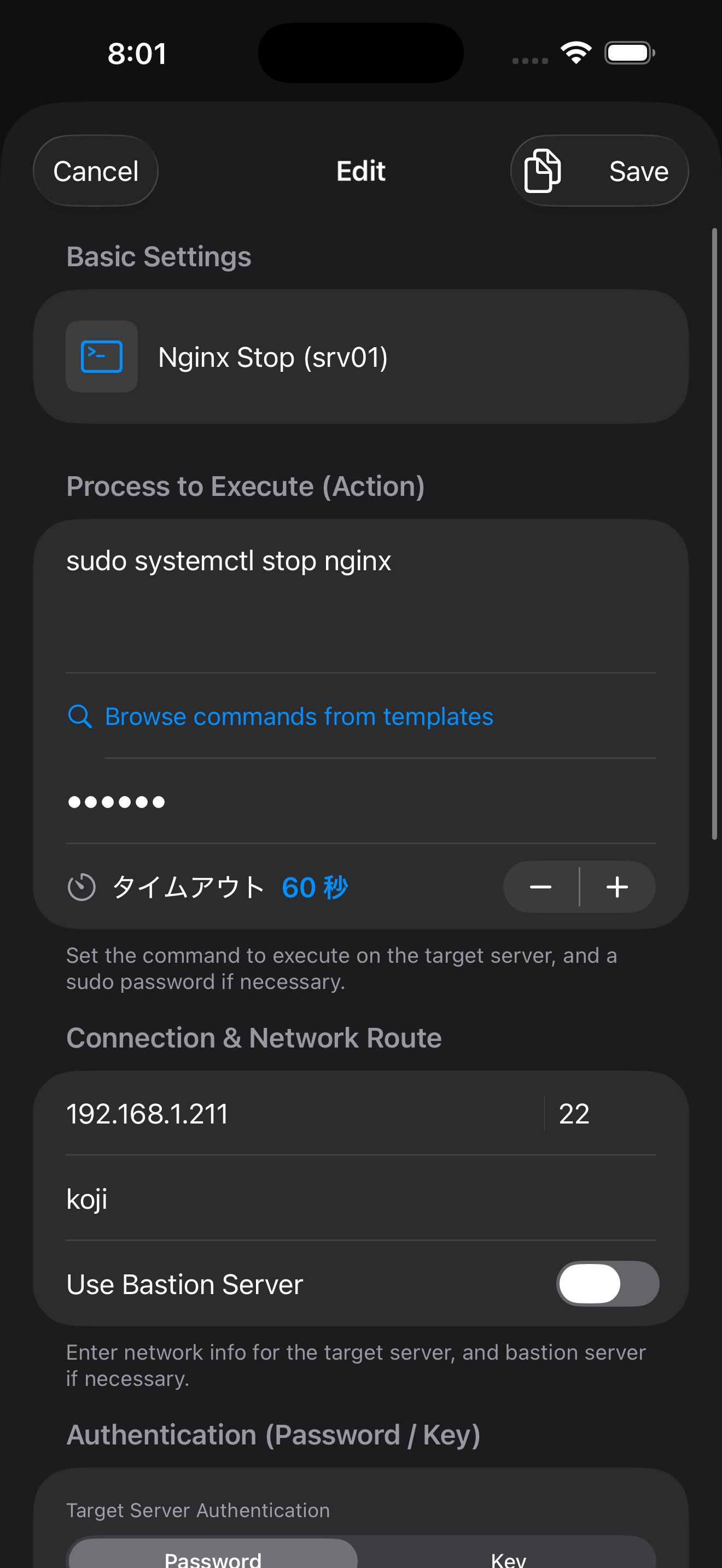
Easily reach servers on internal networks that require a bastion or jump host. The app handles the complex multi-hop connection process automatically in the background, allowing you to reach your target server directly.

Hardware-level Security

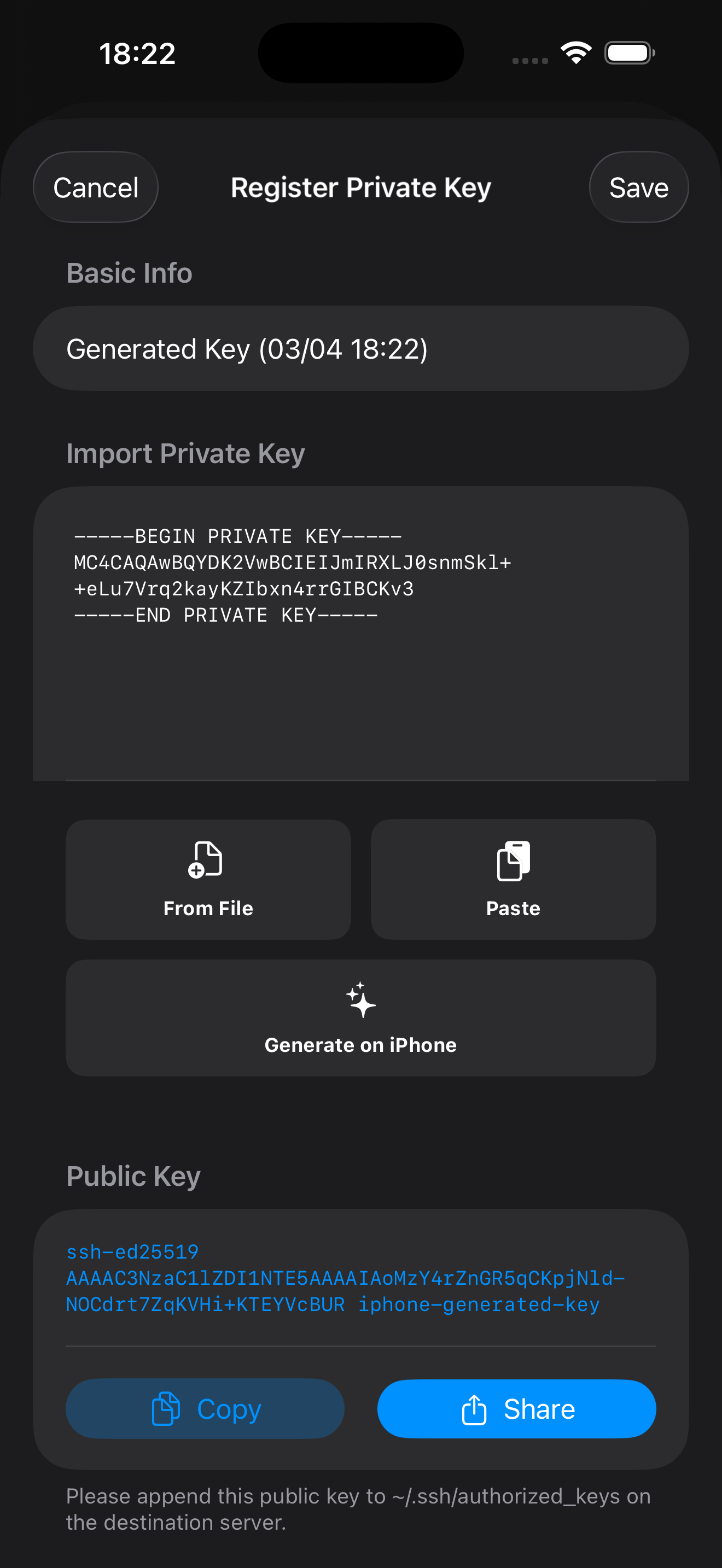
Passwords and private keys are stored exclusively in the iOS Keychain, the most secure area of your device. Credentials are only retrieved at the exact moment of execution and never remain in memory, supporting RSA/Ed25519 encryption.

Full iOS Integration

Trigger operations directly from your Home Screen Widgets or the Control Center without even opening the app. Thanks to iCloud Private database syncing, your custom panel configurations are securely shared across your iPhone, iPad, and other devices.

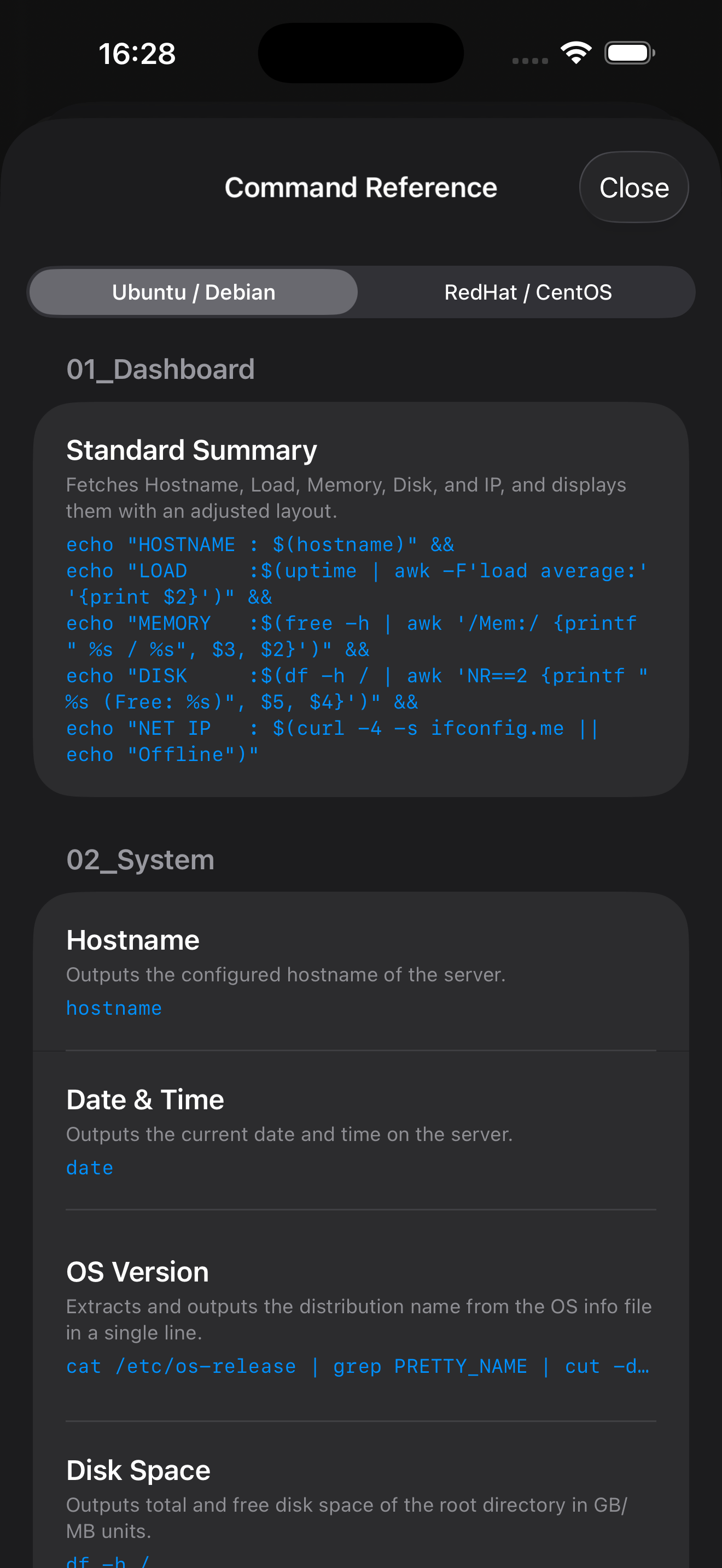
Includes 67 Practical Templates

+ View All 67 Templates (Ubuntu & RHEL Support)

[ 01_Dashboard ]

  • Standard Summary

[ 02_System ]

  • Hostname
  • Date & Time
  • OS Version Check
  • Disk Space
  • Memory Usage
  • Top 5 CPU Processes
  • Top 5 Memory Processes
  • Check Processes
  • GPU Status
  • Reboot History

[ 03_Log ]

  • System Log
  • Kernel Log
  • System Errors

[ 04_Network ]

  • Global IP (IPv4)
  • Global IP (IPv6)
  • Network Ping
  • Listen Ports

[ 05_Web Server ]

  • Nginx Status
  • Start Nginx
  • Stop Nginx
  • Restart Nginx
  • Nginx Config Test
  • Nginx Access Log
  • Nginx Access Log (Smart View)
  • Nginx Error Log
  • Nginx Error Log (Smart View)
  • Apache Status
  • Start Apache
  • Stop Apache
  • Restart Apache
  • Apache Access Log
  • Apache Error Log

[ 06_Database ]

  • MySQL Status
  • Start MySQL
  • Stop MySQL
  • Restart MySQL
  • MariaDB Status
  • Start MariaDB
  • Stop MariaDB
  • Restart MariaDB
  • PostgreSQL Status
  • Start PostgreSQL
  • Stop PostgreSQL
  • Restart PostgreSQL

[ 07_Deploy ]

  • Git Deploy
  • Node Build Deploy
  • Docker Deploy
  • Laravel Production Deploy
  • [Example] Run deploy.sh

[ 08_VPN ]

  • Start OpenVPN Server
  • Stop OpenVPN Server
  • Restart OpenVPN Server
  • Start WireGuard
  • Stop WireGuard
  • WireGuard Status

[ 09_Security ]

  • Fail2Ban Status (sshd)
  • Current Users
  • Login History
  • Login Log
  • Login Failed Log
  • UFW Status
  • iptables Rules

[ 10_Ansible ]

  • Ping All Nodes
  • Show Inventory Graph
  • [Example] Syntax Check
  • [Example] Dry Run

Preview

Support & Inquiries

[email protected]

Privacy Policy

This app is designed with the privacy and security of users as the top priority. User server authentication credentials, private keys, passwords, and personal data are never sent externally and are not collected by the developer under any circumstances. All data is processed solely on the user's device, and the app does not access or sync with any third-party services. While users are responsible for managing their own information, the app ensures the handling of data is as secure as possible.